

In the dynamic landscape of retail, maintaining customer engagement and commitment to purchase, even when a product is temporarily unavailable, is crucial. Our Pre-order feature is designed to address this challenge effectively. By incorporating a Pre-order button for products that are currently out of stock, you not only retain potential customers but also establish a consistent stream of sales. In this article, we will explore step-by-step guide on how to create a new campaign in basic.
How to create a new campaign?
From the dashboard of our app, kindly click Create to start creating a brand new campaign.
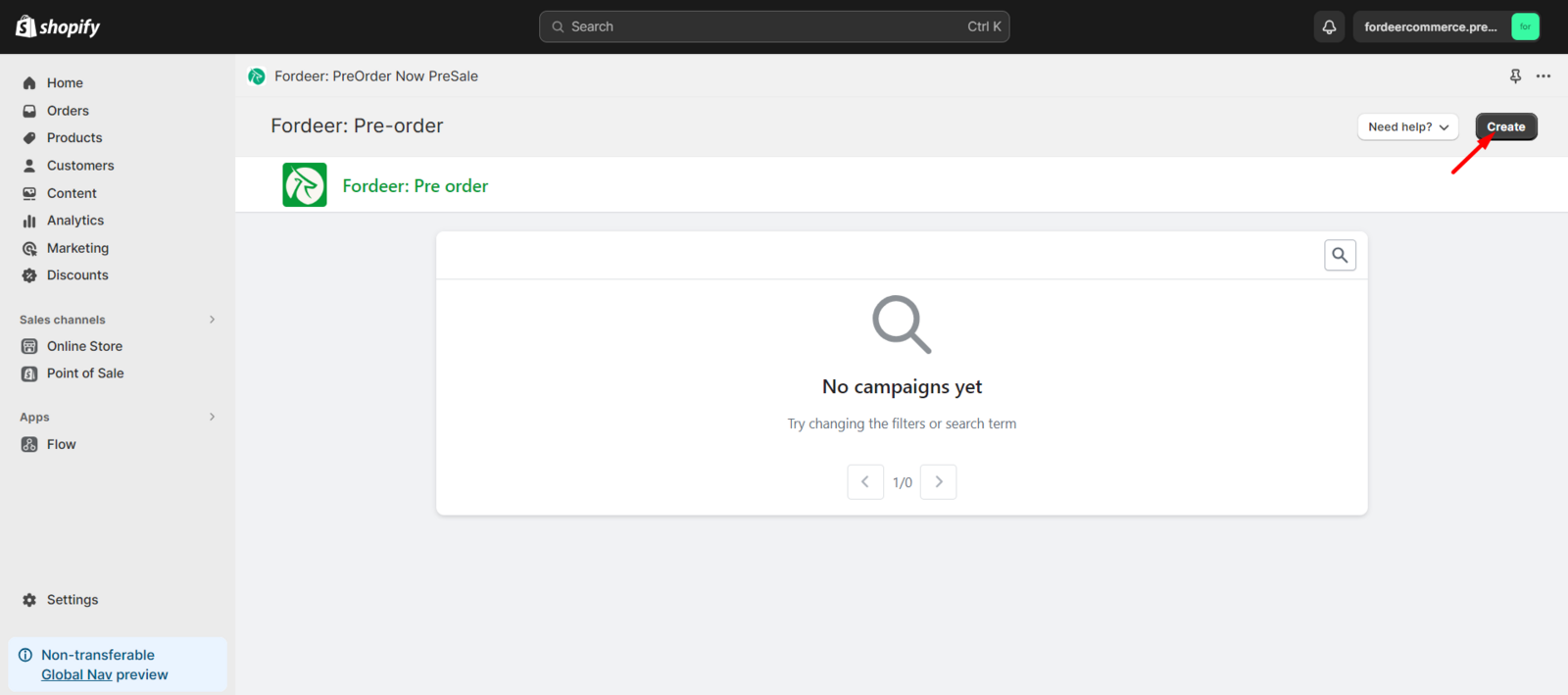
There will be options for you to modify all details such as you can decide when and where the pre-order button appears.
We value your feedback — it helps us continuously improve ForDeer and provide you with a better experience.
👉 Chat with us: Share your feedback directly with our team.
👉 Email us: hi@fordeercommerce.io
👉 Explore more apps: Discover more Fordeer apps.
👉 Join our community: Join ForDeer Community to get the latest updates, tips, and special deals.
🕐 Working hours: 8:30 AM – 5:00 PM (UTC+7), Monday–Friday.
We typically reply to live chats within minutes and emails within a few hours.
Need help? Feel free to reach out anytime via live chat or email!